Top 6 Smart Ways For Salik Recharge In Dubai 2026
There is an electronic toll gate system in Dubai that was launched in 2007 to streamline traffic movement. It is the most helpful initiative by the Road and Transport Authority to ensure smooth vehicle movement and reduce traffic congestion. It is an automatic method of electronic toll collection that has reduced stopping at each toll gate and paying manually. You just need to have a Salik account with the required balance. A specific toll amount is deducted from your account at each passage. No need to stop at each gate, just pay electronically and experience smooth travel across the city. Here in this blog, we’ll explain all the recharge ways for Salik to ensure you experience smooth movement and no fine is imposed on you.
What Is Salik And Why It Is Needed?
It is an advanced electronic toll collection system with an aim to reduce traffic congestion and revolutionize the way people move within the country. The system works by deducting the toll fee automatically from a prepaid account whenever your registered vehicle passes through the designated toll gates. Its working includes:
On the vehicle’s windshield, a salik tag is attached for charge deduction. A microchip exists in the tag to communicate with the toll gate. On the major roads, these toll gates exist, which include
- Sheikh Zayed Road
- Al Maktoum Bridge
- Al Garhoud Bridge
- And More
When a vehicle passes through the toll gate, the system detects the tag. After that, it deducts the toll amount automatically from your Salik account. For an uninterrupted movement, it is advised to manage your account and ensure it is recharged for the toll deduction.
Top Ways For Salik Recharge In Dubai
Here are some top helpful methods for your Salik account recharge that you can choose according to your preference.
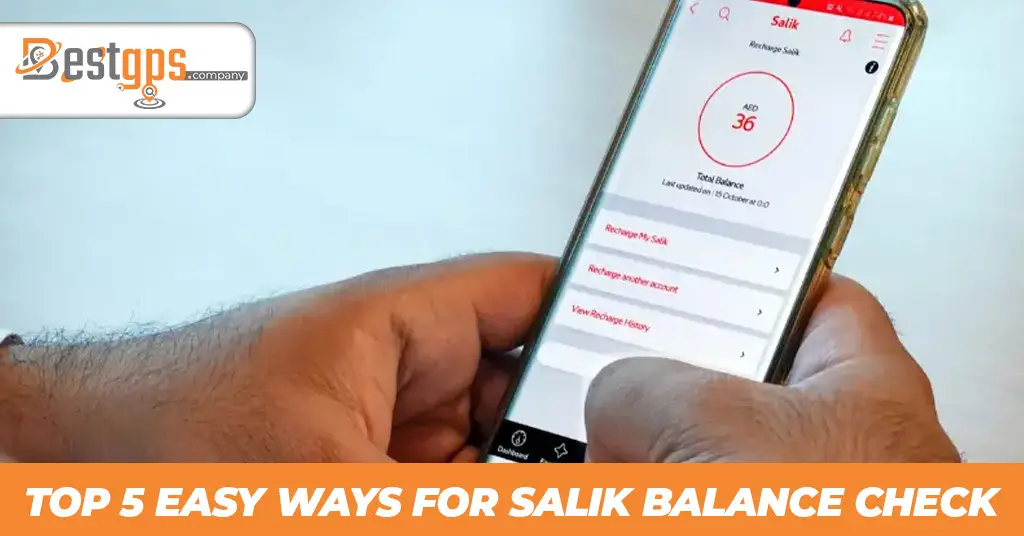
1. Recharge via the Smart Salik App
- If you want to recharge using the Salik app, you need to download it first, which is available for iOS and Android.
- You must first register using your Salik account number and PIN after downloading it.
- New users of Salik will need to register on the official website or app.
- Open the app now, then sign in to your account. Next, choose the “recharge now” option.
- Card payment needs you to add the details or scan the 12-digit recharge card number.
- After completing the recharge, you’ll get a confirmation screen.
2. Recharge via the Official Salik Website
- You can also pay through the official Salik website, for which you need to visit their official website-https://www.salik.ae/en/.
- Add your credentials and login to the website.
- Choose the payment method, whether online payment or a recharge number.
- Enter your information, including your mobile number, category, country, Emirates, license plate number, and license plate code.
- Next, choose the recharge amount and proceed. Enter your card information and continue to finish the payment.
- Following a successful payment, you will be taken to the confirmation page.
3. Recharge Using Banks and ATMs
- ATMs, CDMs, and mobile banking are among the recharging options provided by various banks in Dubai.
- All you need to do is visit the nearest bank’s ATM or CDM, which provides the Salik recharge service.
- To add credit to your account, select the recharge option from the list of possibilities and follow the directions.
- After that, you’ll receive a confirmation message upon successful recharge.
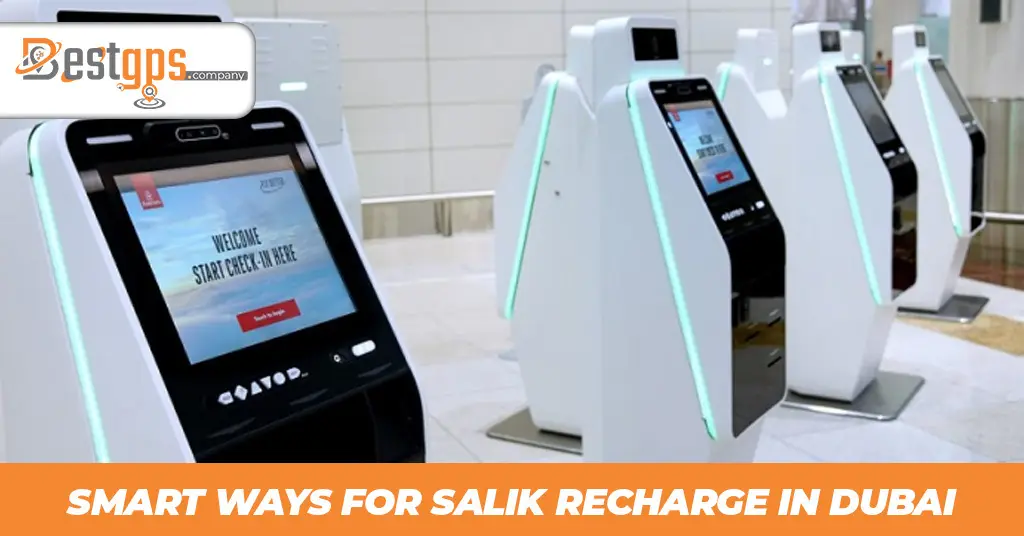
4. Recharge with Self-Service Machines/Kiosks
- To recharge via Salik machines or kiosks, you need to locate one which are available at various locations in Dubai.
- Enter your password and registered email address once you’ve located the kiosk.
- Next, select the recharge tab and add cash to your account.
- Now, complete the transaction by confirming the successful top-up.
5. Recharge Salik Account with Salik Card
- Adding credit to your account is easy with this method. The Salik cards make it simple to replenish the account.
- To do this, you must dial 800-SALIK (72545) to reach the Salik helpline.
- Now look for a 12-digit recharge number on the back of the card by scratching it.
- Next, input the 12-digit recharge number and choose your desired language.
- Get a confirmation message upon successful recharge.
Instead of calling to recharge, you can also opt for the SMS approach.
- Scratch the card to obtain the 12-digit number.
- Follow the message format like R12-digit number, Salik account number, and PIN, and send it to 5959.
- Send this SMS after that, and you’ll get a message confirming the revised balance.
Summing Up!
Salik is a mandatory electronic toll collection system that was initiated for a smooth traffic flow and to reduce congestion. It is a system that has reduced the need to stop at each toll gate and pay the charges manually. You just need a salik tag and automatic charge deduction from your account. For this, you need a salik account that is topped up for the automatic toll deduction. It is necessary to recharge on time; otherwise, you’ll have to face fines and penalties. You’ll get different methods to recharge your account, including salik cards, kiosks, self-service machines, banks, ATMs, the official website, and the mobile app.